Beyond Midjourney: 4 Precision AI Tools for Architects
Discover 4 AI alternatives to Midjourney that offer architects precise control, geometry adherence, and workflow integration, moving beyond random prompting.

The "Control Problem" in Architectural AI
For many architectural firms, Midjourney served as the gateway to generative AI. However, as the novelty fades, a critical limitation has emerged: the "Control Problem." While Midjourney excels at artistic composition and lighting, it operates on "dream logic" rather than architectural physics. For small practices, an image that looks beautiful but hallucinates a third floor or deletes a structural column is not a deliverable - it is a liability.
The industry is currently shifting from "prompt engineering" (typing complex text descriptions) to "image guidance" (using sketches, CAD models, and massing as strict constraints). This guide analyzes four specific alternatives that solve the precision gap for professional workflows.
1. Rendair AI: The Specialized Specialist
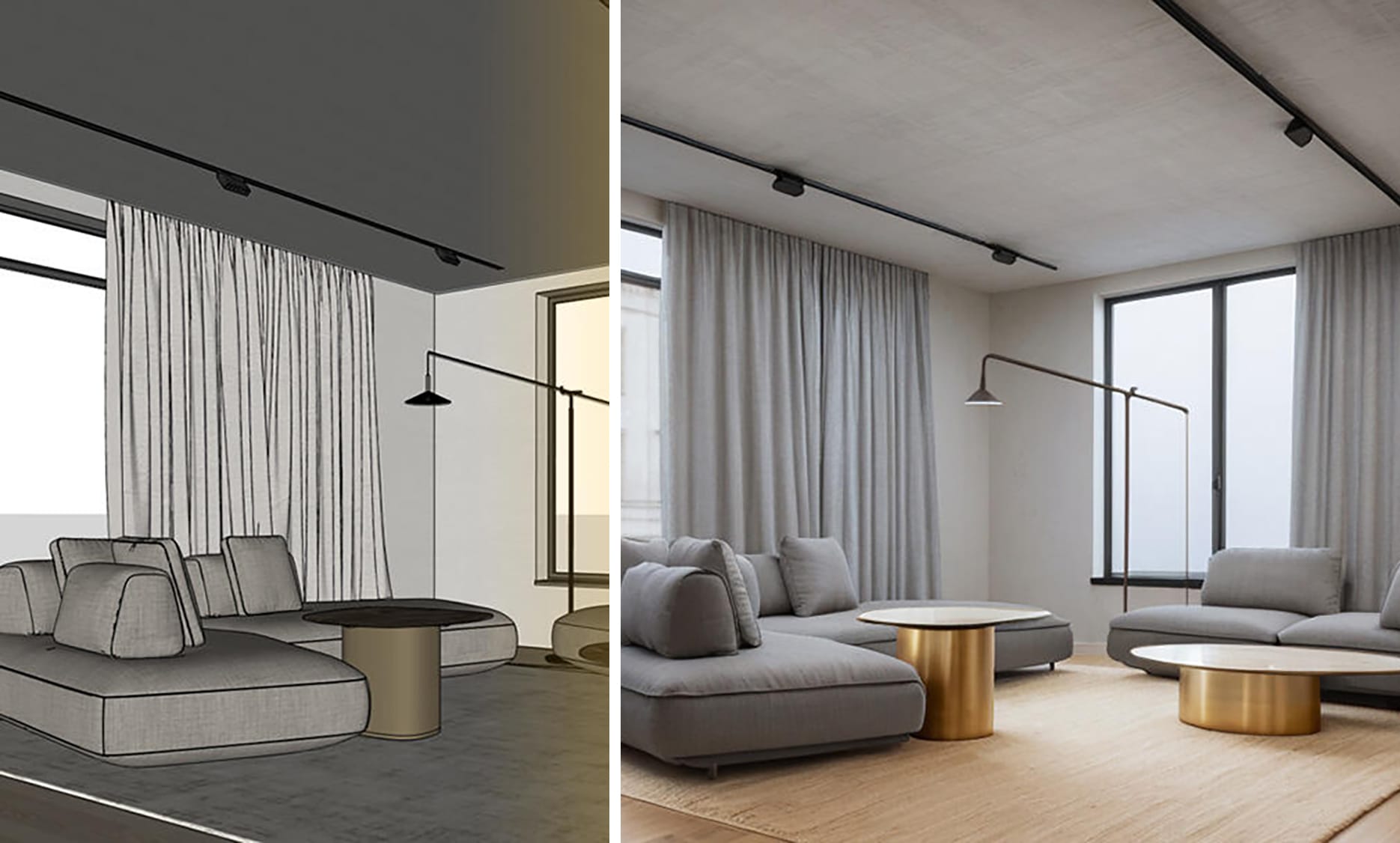
Designed specifically to mitigate the "hallucination" issues of generalist models, Rendair AI focuses on geometry adherence. Its primary value proposition for small design practices is the ability to upload SketchUp screenshots or hand drawings and render on top of them without altering the underlying forms.
- Key Workflow: Use "Sketch to Image" or "Material Replacement" modes to iterate on facades without re-modeling.
- Benefit: The interface uses architectural terminology (e.g., "Scandinavian," "Industrial") rather than abstract prompt weights, lowering the barrier to entry for non-technical staff.

2. Stable Diffusion: The Power User's Engine
For design studios willing to invest in hardware and training, Stable Diffusion (running via interfaces like Automatic1111 or ComfyUI) offers the highest ceiling for control. It is the only option listed that allows for local hosting, ensuring client data privacy.
- Key Technology: ControlNet is the industry standard for constraining AI to specific edges, depth maps, or poses.* Customization: Firms can train LoRAs (Low-Rank Adaptation models) on their specific portfolio style or furniture libraries, creating a proprietary aesthetic engine.
- Trade-off: It has a steep learning curve, often taking a week to install and master effectively.
3. Adobe Firefly: The Integrated Workflow
Adobe Firefly is less about generating full buildings from scratch and more about accelerating the "last mile" of visualization. Embedded directly into Photoshop, it is the safest choice for commercial work as it is trained exclusively on Adobe Stock images.
- Key Feature: Generative Fill allows architects to select a blank wall and type "add a window," blending the new element perfectly with existing lighting.
- Use Case: Rapidly fixing renders or adding entourage without leaving the Creative Cloud ecosystem.
4. Vizcom: The Sketch-First Accelerator
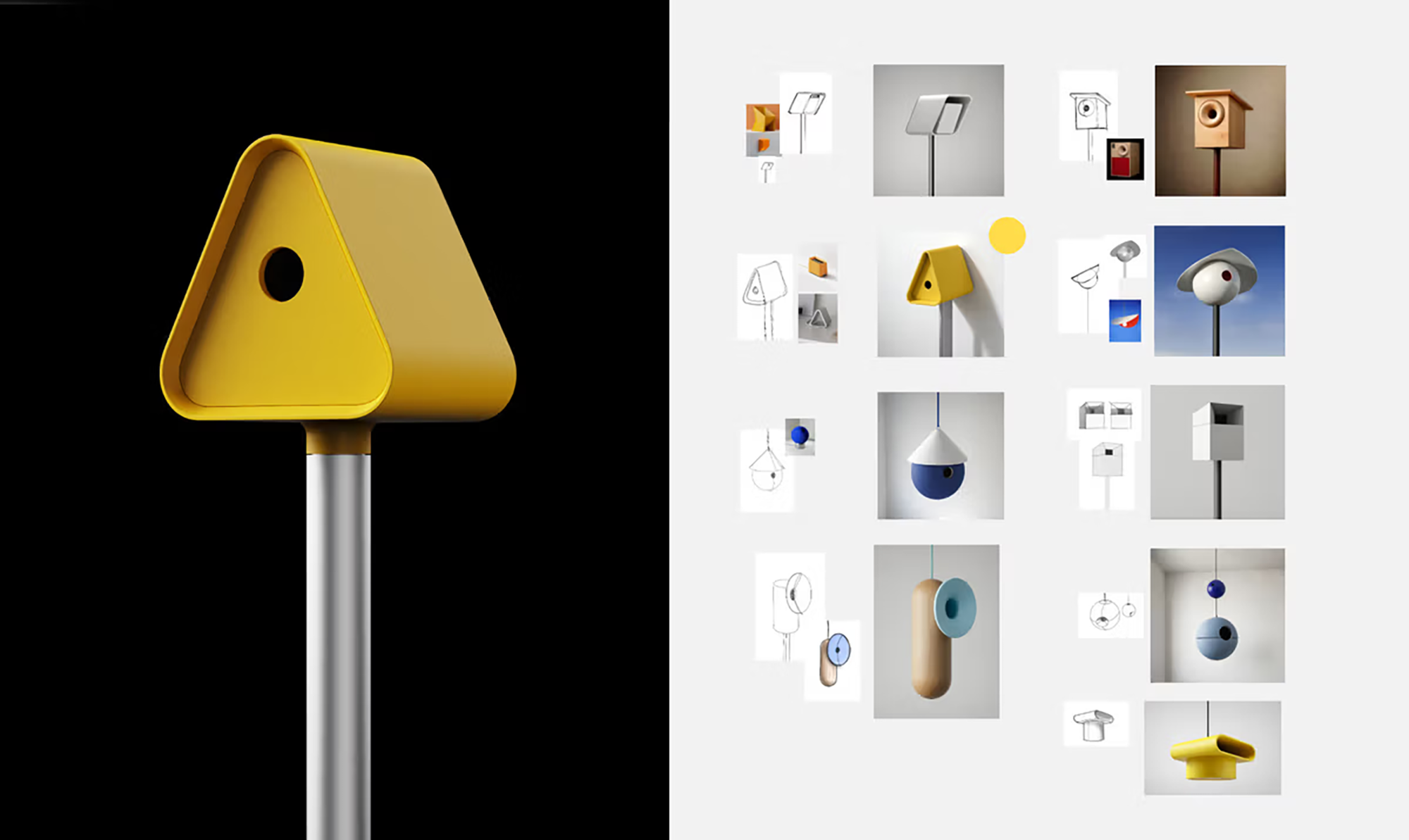
Targeting the early concept phase, Vizcom is designed for tablet users (iPad/Wacom). It features Live Rendering, where the AI generates photorealistic textures in real-time as the architect sketches.
- Control Mechanism: A "Drawing Influence" slider dictates how strictly the AI adheres to the stylus input versus its own imagination, making it ideal for "napkin-sketch" client sessions.
Key Takeaways
• Shift to Image Guidance: The industry is moving away from text-based prompting toward geometry-based inputs (sketches, CAD massing) to eliminate AI hallucinations.
• ControlNet is Critical: For precise architectural workflows, tools utilizing ControlNet (like Stable Diffusion) offer superior adherence to floor plans and structural requirements compared to standard generative models.
• Commercial Safety Matters: Adobe Firefly offers a distinct advantage for risk-averse firms by training solely on licensed Adobe Stock images, mitigating copyright concerns.
• Local vs. Cloud: Stable Diffusion remains the primary choice for firms requiring local data privacy and custom model training (LoRAs) based on their own portfolio.
Practical Application
• Rapid Renovation Concepts: Use Rendair AI's "Material Replacement" mode on site photos to show clients instant visualization of new facade materials or interior finishes without building a 3D model.
• Post-Production Efficiency: Implement Adobe Firefly's Generative Fill in Photoshop to add entourage (people, vegetation) or fix render errors, reducing post-production time by 30-50%.
• Interactive Client Meetings: Utilize Vizcom on a tablet during client charrettes to turn rough schematic sketches into polished concepts in real-time, accelerating decision-making.